> ## Documentation Index
> Fetch the complete documentation index at: https://docs.oneloop.ai/llms.txt
> Use this file to discover all available pages before exploring further.
# Workspace
A workspace refers to a project. It is a logical separation for your API Keys. For example, you can have a workspace for your test environment and another for your production environment.
## Create a Workspace
There are 2 ways to create a workspace:
### 1. Using the dashboard
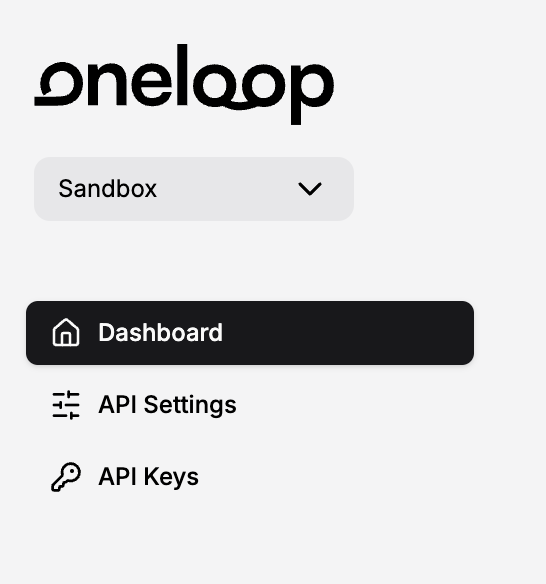
To create a workspace, you can go to the dashboard and click on the `Create Workspace` button.
 ### 2. Using the API
You can also create a workspace using the API. Here is an example of how you can create a workspace using the [Create Workspace API](/api-reference/endpoints/create-a-workspace):
```bash theme={null}
curl --request POST \
--url https://prod.oneloop.ai/api/v1/workspace \
--header 'Authorization: Bearer ' \
--header 'Content-Type: application/json' \
--data '{
"name": ""
}'
```
## Workspace Settings
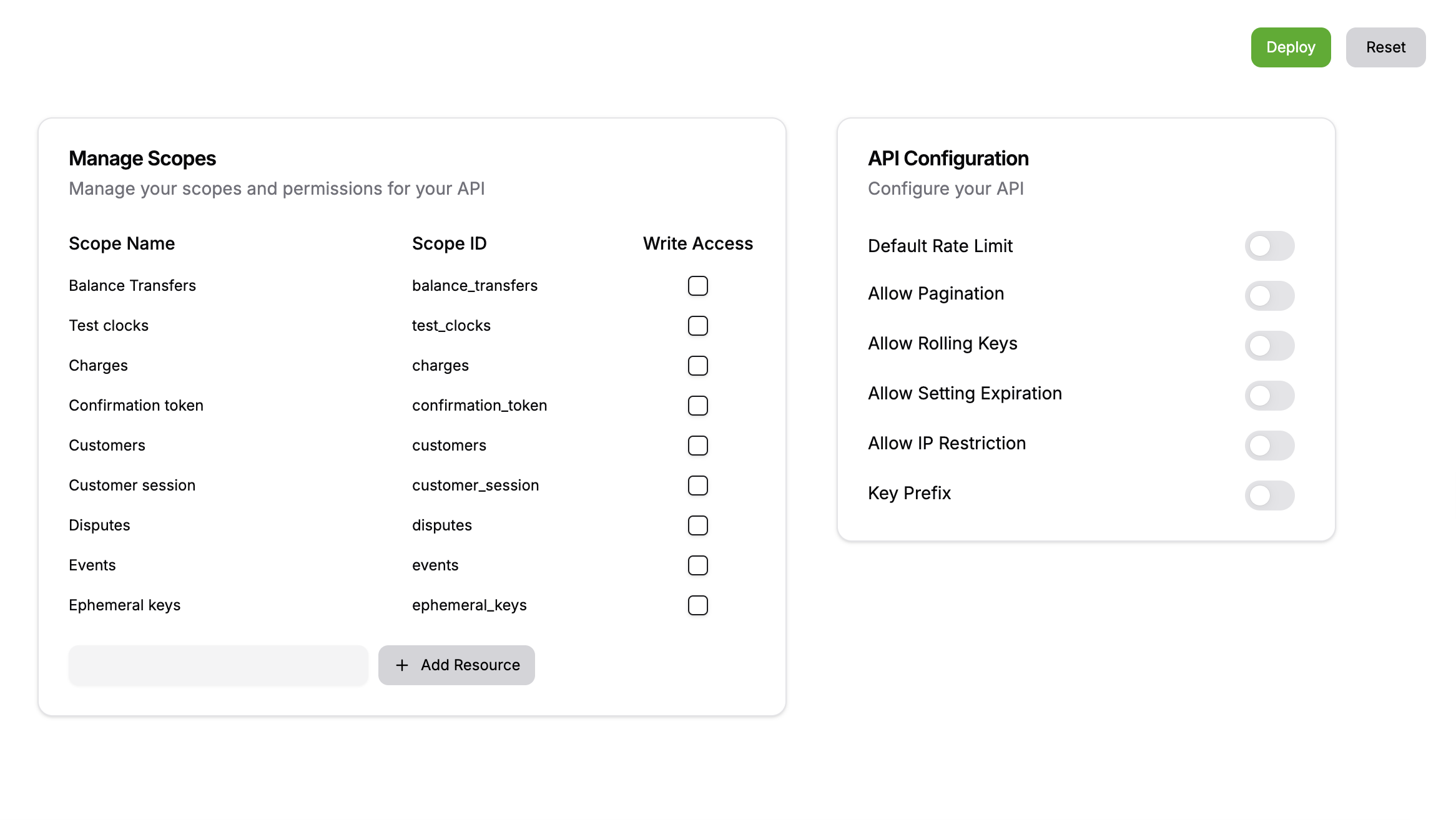
Once you have created a workspace, you can configure the settings for the workspace in the dashboard. Here are some of the settings you can configure:
* [x] You can define scopes in your workspace. Learn more about [scopes](/documentation/concepts/scopes).
* [x] You can issue API keys for your workspace. Learn more about [API keys](/documentation/concepts/api-keys).
* [x] You can set rate limits for your workspace. Learn more about [rate limiting](/documentation/concepts/rate-limiting).
* [x] You can set default expiration times for your API keys in a workspace.
* [x] You can set default prefixes for your API keys in a workspace
### 2. Using the API
You can also create a workspace using the API. Here is an example of how you can create a workspace using the [Create Workspace API](/api-reference/endpoints/create-a-workspace):
```bash theme={null}
curl --request POST \
--url https://prod.oneloop.ai/api/v1/workspace \
--header 'Authorization: Bearer ' \
--header 'Content-Type: application/json' \
--data '{
"name": ""
}'
```
## Workspace Settings
Once you have created a workspace, you can configure the settings for the workspace in the dashboard. Here are some of the settings you can configure:
* [x] You can define scopes in your workspace. Learn more about [scopes](/documentation/concepts/scopes).
* [x] You can issue API keys for your workspace. Learn more about [API keys](/documentation/concepts/api-keys).
* [x] You can set rate limits for your workspace. Learn more about [rate limiting](/documentation/concepts/rate-limiting).
* [x] You can set default expiration times for your API keys in a workspace.
* [x] You can set default prefixes for your API keys in a workspace
 ## Workspace ID
Each workspace has a unique ID. This ID is used to identify the workspace in the API. You can find the workspace ID in the dashboard.
## Workspace ID
Each workspace has a unique ID. This ID is used to identify the workspace in the API. You can find the workspace ID in the dashboard.